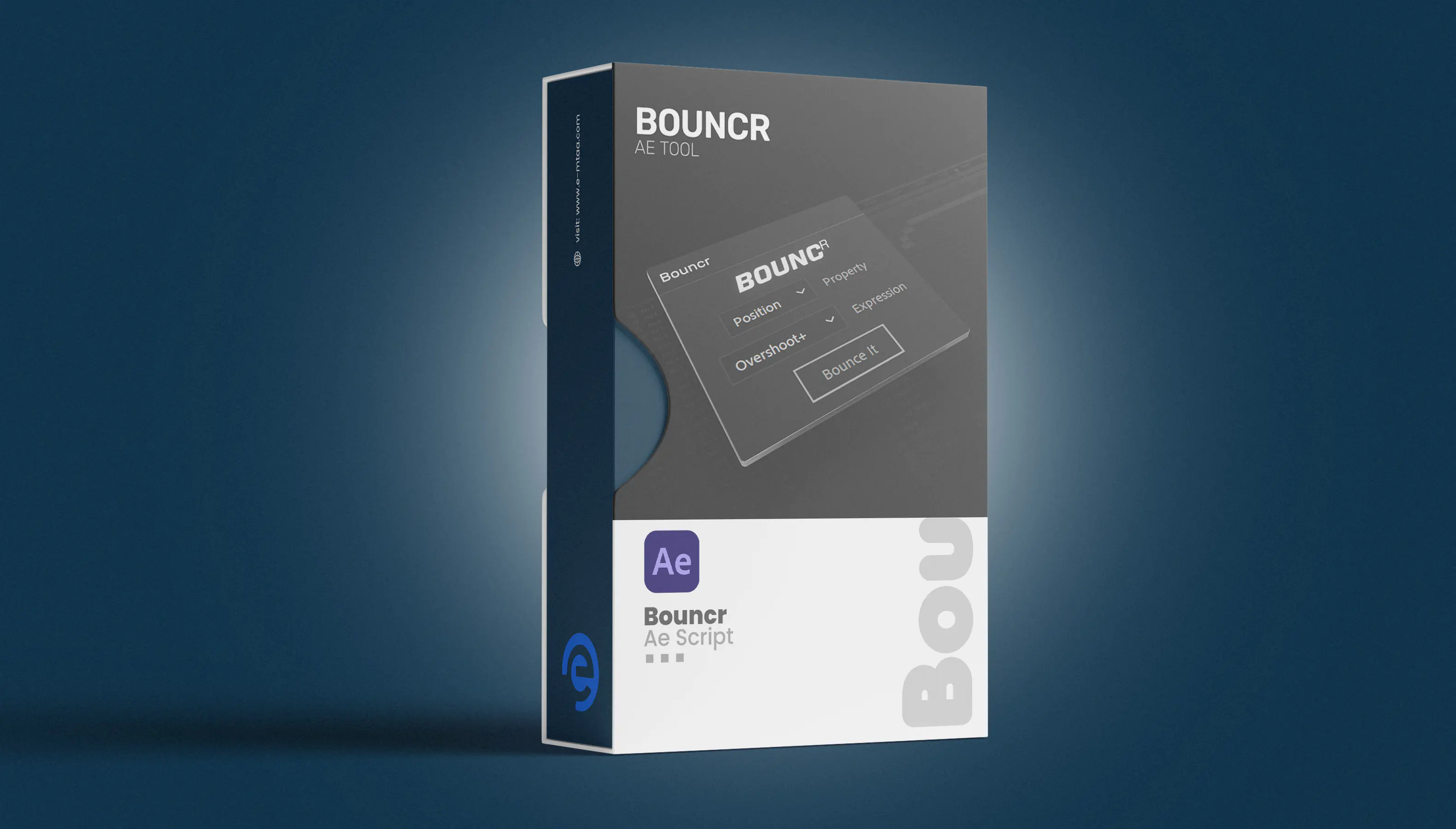
BOUNCr is an Adobe After Effects tool that enables users to apply Overshoot and Bounce Back animation effects to keyframes with a single click.
HOW TO INSTALL
Step 1. Download the ZIP file and unzip it.
Step 2. Copy the BOUNCr-1.1.jsxbin file into the ScriptUI Panels folder located here:
WINDOWS:
C:\Program Files\Adobe\Adobe After Effects <version>\Support Files\Scripts\ScriptUI Panels
MAC:
/Applications/Adobe After Effects <version>/Scripts/ScriptUI Panels
Step 3. Restart After Effects
Step 4. To Open the BOUNCr in After Effects, go to the top menu bar and click on the Window. Next, click on BOUNCr from the drop-down list.
Published:
Apr 28, 2026 12:29 PM
Version:
v1.1
Category:
Tags: